 Ultimate guide
7 Signs Your Growing Business Has Outgrown Its Access Control
Last Updated: November 3, 2026
Quick Summary
Scaling access control systems for growing businesses means matching who can open which door to how your company operates today. Start with an audit that maps every door, credential, and custodian, then prioritize exterior doors and rooms holding cash, records, or inventory. Rekey or replace hardware in phases by zone so the rest of your building stays operational.
- A documented key register with a named custodian replaces spreadsheets and unlabeled spare keys.
- Rekey every exterior door at turnover, not just the main entrance.
- Maintenance costs scale with the number of doors and hardware age, not headcount.
- Provision new keys or fobs before the hardware switch to avoid locked-out staff.
- Review the new setup at 30 days for sticking doors and register gaps.
Table of Contents
- Why Scaling Access Control Systems Matters for Growing Businesses
- Sign 1: Key Management Has Become a Second Job
- Sign 2: You Cannot Answer Who Has Access to What
- Cloud-Based Access Control Benefits for Multi-Site Growth
- Commercial Door Hardware Installation in Council Bluffs: Planning for Higher Traffic
- Access Control System Maintenance Costs: Budgeting for Scale
- How to Scale Access Control Systems Without Disrupting Operations
- Book a Commercial Security Assessment for Your Growing Business
- Frequently Asked Questions
Why Scaling Access Control Systems Matters for Growing Businesses
A growing business rarely notices the moment its access control systems stop keeping pace. It shows up quietly: a missing key, a former employee who still has a fob, a manager spending Friday afternoon cutting copies. Scaling access control systems for growing businesses means matching who can open which door to how your company actually operates today, not how it operated two years ago.
Commercial rekeys, lock changes, and door hardware are the kind of work many businesses in the Council Bluffs area need as they grow. The pattern is consistent.
Access control is the set of policies, hardware, and credentials that determine who can enter which space and when. When that set stops matching your headcount, the gap becomes a security problem.
Below, we walk through seven signs your business has outgrown its current setup, what each one costs you, and how to plan the upgrade without shutting down operations.
| Sign | What It Looks Like | What It Costs You |
|---|---|---|
| Key chaos | Master keys unaccounted for | Full rekey after turnover |
| No access visibility | Nobody can list who holds keys | Audit failures, liability gaps |
| Multi-site drift | Different rules per location | Inconsistent security posture |
| Deferred maintenance | Sticking locks, worn closers | Emergency repairs, downtime |
| Manual provisioning | Paper logs, spreadsheets | Hours lost weekly |
Sign 1: Key Management Has Become a Second Job
The first warning sign is a manager who spends real hours each week tracking keys. A spreadsheet that lists who has what, a drawer of spares with no labels, a sticky note on the office door. That is not key management. That is a liability with a filing system.
Property managers feel this first. For a deeper look at this exact problem, see the locksmith services for property management guide. Fifteen rental units means fifteen sets of keys, tenant turnover, and the constant question of whether the last tenant returned everything. A common mistake is rekeying only the front door after turnover and leaving the back entrance on the old key. That single oversight undoes the whole rekey.
The fix is straightforward: consolidate to a documented key register with a named custodian, then rekey every exterior door at turnover, not just the main entrance.
Sign 2: You Cannot Answer Who Has Access to What
If someone asked you right now to list every person who can open your stockroom, would you have an answer in under five minutes? Most growing businesses do not.
This is the point where physical access control stops being a locksmith question and becomes an operations question. Permissions management for doors works like permissions management for software: every credential should map to a role, and every role should have a defined scope. When you cannot produce that map, you cannot revoke access cleanly when someone leaves.
Watch out: the most expensive version of this problem is a terminated employee who still has a working key. Rekeying after the fact costs far more than a scheduled rekey would have.
A practical starting point is a simple access inventory:
- List every exterior and restricted-interior door
- Record every key, fob, and code issued for each door
- Name the custodian responsible for each credential
- Set a review date every quarter
- Define who approves new credentials
Cloud-Based Access Control Benefits for Multi-Site Growth
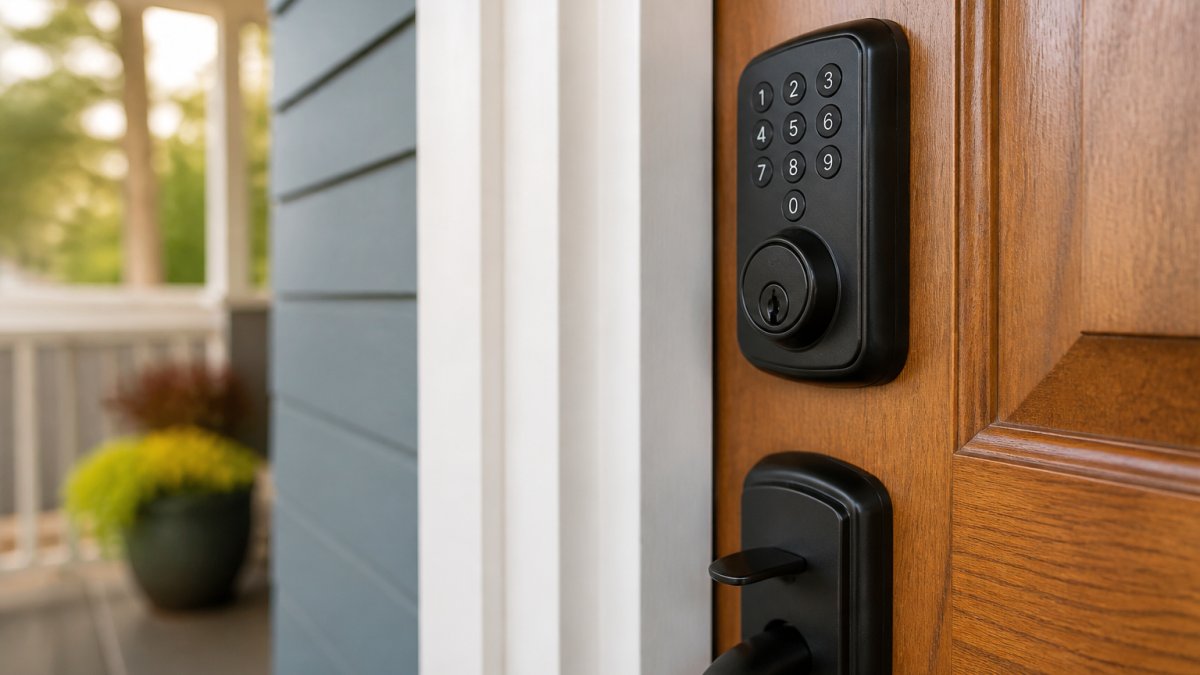
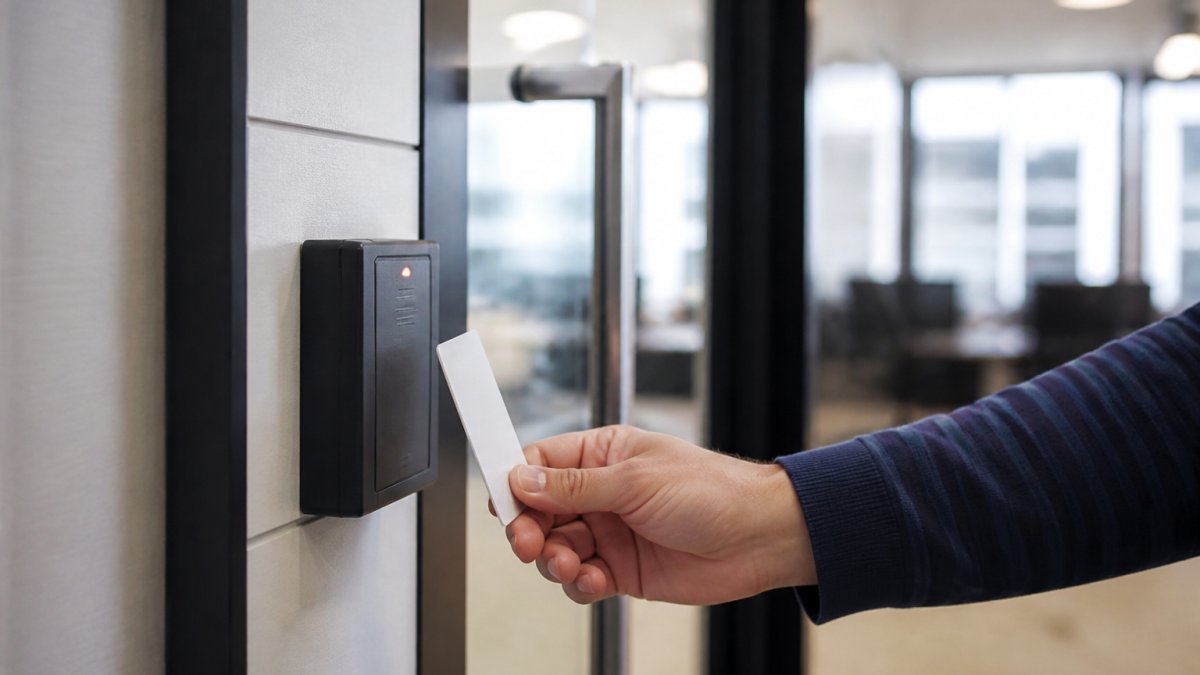
Watch out: cloud dashboards make it easy to issue credentials faster than anyone updates the physical key register. If the digital and mechanical layers drift apart, you end up with a badge system that says one thing and a key ring that says another. Reconcile both layers on the same quarterly review cycle.
Commercial Door Hardware Installation in Council Bluffs: Planning for Higher Traffic
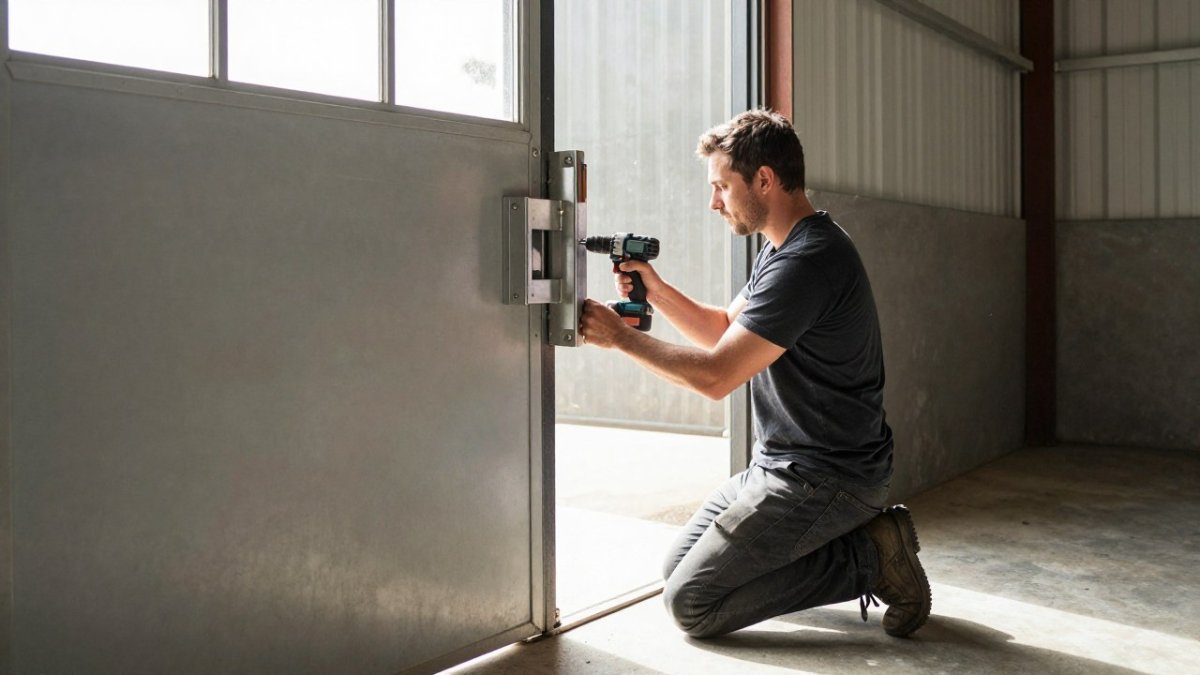
Higher traffic can wear hardware out faster than many owners expect, so the hardware should match how busy the door will be.
Access Control System Maintenance Costs: Budgeting for Scale
Access control system maintenance costs scale with the number of doors and the age of the hardware, not with headcount. A useful budgeting approach is to separate planned maintenance from emergency repair and fund them differently. The commercial door lock installation insurance guide explains liability and coverage around this work.
- Planned inspection and adjustment, closers, hinges, panic hardware, reader alignment, and battery backup checks.
- Credential and permission audit, reconciling the key register against the digital access list each quarter.
- Emergency reserve, a funded line for lockouts, failed strikes, and doors that will not latch.
How to Scale Access Control Systems Without Disrupting Operations
The upgrade itself is where most plans fail. To schedule rekeys, lock changes, and hardware work, visit the commercial locksmith in Omaha, NE. Replacing hardware across an active business can disrupt doors and staff, so sequencing the work matters.
- Audit first. Map every door, credential, and custodian before ordering anything.
- Prioritize by risk. Start with exterior doors and any room holding cash, records, or inventory.
- Schedule by zone, not by building. Take one entrance offline at a time and keep the rest operational.
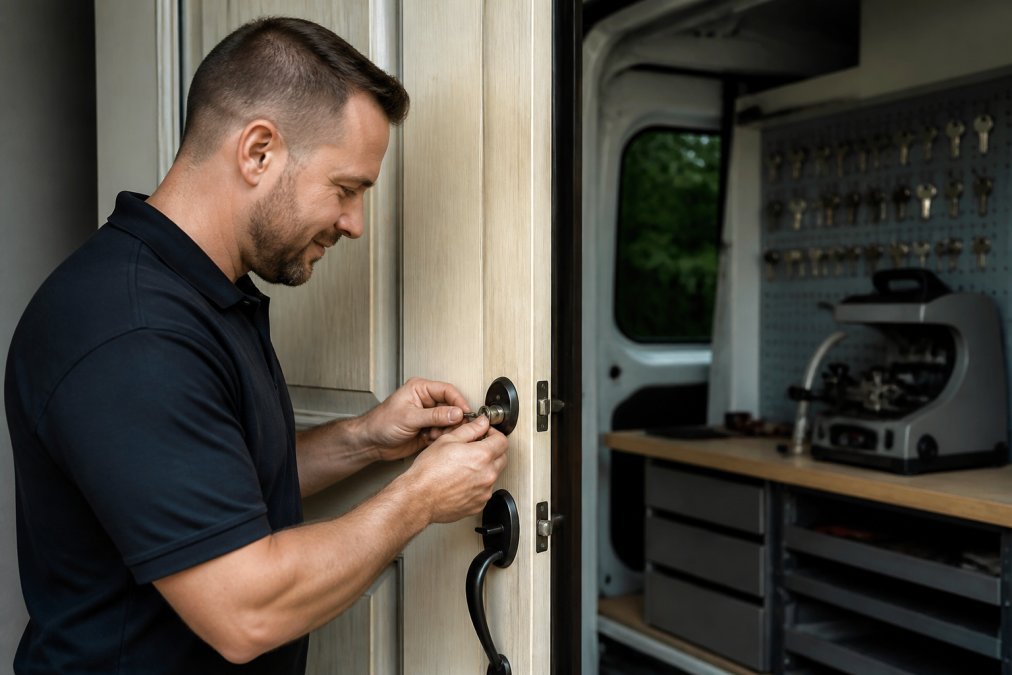
- Rekey or replace in phases. Mechanical rekeys can often happen after hours in a single visit.
- Provision credentials before the switch. Have new keys or fobs ready so staff are not locked out on day one.
- Document and train. Hand over the key register and the new policy in writing.
- Review at 30 days. Check for doors that are sticking, credentials that were never issued, and gaps in the register.
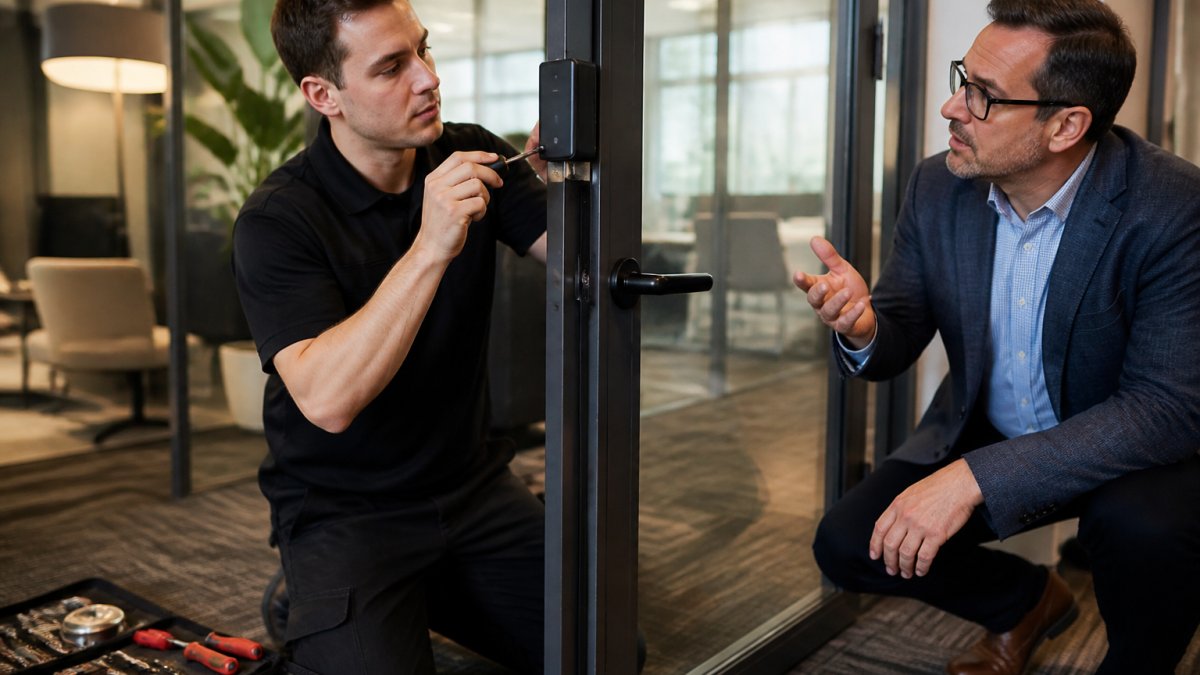
The step most teams skip is number five. Provisioning credentials before the hardware switch is what separates a smooth cutover from a morning of locked-out staff and phone calls.
Book a Commercial Security Assessment for Your Growing Business
The honest challenge is this: most businesses cannot tell you how many keys are in circulation right now. That gap is where security problems start, and it grows every month you wait.
Blackshirt Lock & Key provides fully mobile locksmith service, so we come to your location rather than asking you to wait at a shop. Our team is fully insured. Pricing is straightforward with no hidden fees, and you can see current pricing on our pricing page before you commit.
Contact Blackshirt Lock & Key to get started. Call now.
Frequently Asked Questions
When should a growing business upgrade its access control system?
Upgrade when key management takes hours each week, when you cannot produce an accurate list of who holds keys to which doors, or when you add a second location and need centralized control. Other triggers include high employee turnover that makes re-keying constant, and hardware that fails under heavier traffic. A commercial locksmith can assess your current system and recommend whether to expand it or replace it with networked access control.
What are the cloud-based access control benefits for a small business?
Cloud-based access control benefits include remote permission changes, real-time monitoring, automatic audit logs, and the ability to manage multiple sites from one dashboard. You can revoke a departed employee's credential instantly instead of re-keying doors. Software updates and backups happen automatically, reducing IT workload. For growing businesses, the main advantage is that adding a door or location means adding a device, not rebuilding the whole system.
How much does access control system maintenance cost?
Access control system maintenance costs depend on the number of doors and the age of the hardware. For current pricing, see the pricing page on our website or request a quote.
Can a mobile locksmith handle commercial door hardware installation in Council Bluffs?
Yes. Mobile locksmith service can bring lock work to your location. For commercial door hardware installation in Council Bluffs, confirm the technician's insurance and the hardware suited to your door type and traffic level. On-site service avoids waiting for a shop appointment.