 How-to
How to Integrate Access Control with Security Cameras
Last Updated: November 8, 2026
Quick Summary
To integrate access control with security cameras, pick the access control system first, then match ONVIF or API-compatible cameras and map each door to cameras in the VMS so door events trigger recording. Wire door hardware to the panel and cameras to the NVR on a dedicated security VLAN, sync all clocks to one NTP source, and test every rule at the door.
- Start with a written risk assessment and let cameras follow the doors, not the other way around.
- Confirm in writing that the panel exposes an API and cameras support ONVIF Profile S or T.
- Put panels, cameras, and NVR on a dedicated security VLAN with UPS backup.
- Set every panel, camera, and NVR to the same NTP time source so events and clips line up.
- When troubleshooting, check network issues like VLAN misconfiguration and firmware mismatch before software.
Table of Contents
- What Integrated Access Control and Video Surveillance Actually Delivers
- Assessing Security Requirements and Camera Coverage Before You Buy
- Choosing Compatible Door Access Control Systems for Business
- Planning Access Control Installation and Network Architecture
- Wiring the Access Control Panel to Cameras and the NVR
- Configuring Event-Triggered Recording and Alerts
- Testing, Troubleshooting, and Cybersecurity Safeguards
- Book a Site Walkthrough with Blackshirt Lock & Key
- Frequently Asked Questions
What Integrated Access Control and Video Surveillance Actually Delivers
Integrated access control and video surveillance is the practice of linking door access events to camera footage so every entry leaves a visual record. This is a question business owners in Council Bluffs, IA often ask when they already have cameras and want them to work with their doors.
Here's the payoff in plain terms. When someone badges in at 2:14 a.m., the system pulls up the matching clip automatically. No scrubbing through hours of footage.
What you actually get:
- Video verification of every door access event
- Faster incident investigation with searchable footage
- Real-time alerts when a door opens outside schedule
- One unified interface for doors and cameras
- A clean audit trail for insurance and HR reviews
The catch? Most guides skip the hard parts: wiring, compatibility, and what happens when the two systems don't talk. Below, we walk through the full process, from security assessment to commissioning.
Assessing Security Requirements and Camera Coverage Before You Buy
Start with a written risk assessment, not a catalog. List every entry point, then rank each one by traffic and sensitivity.
A common mistake is buying cameras first. The cameras should follow the doors, not the other way around.
Work through this checklist:
- Map all exterior and interior entry points
- Note door types: glass, hollow metal, wood
- Count daily users per door
- Identify high-value rooms (server, cash, pharmacy)
- Check lighting at each camera position
- Confirm network drops near each door and camera
Camera coverage matters as much as door hardware. A door reader without a clear camera angle on the face of the person entering is half a system. Plan for a camera preset aimed at each entry point, plus one wider shot for context.
For businesses in older Council Bluffs buildings, expect brick and masonry walls that make cable runs slower. Budget extra time for that.
Choosing Compatible Door Access Control Systems for Business
Pick the access control system first, then match cameras to it. This order saves money and headaches.
Interoperability is the whole game. Two systems that both speak ONVIF or a shared API will integrate cleanly. Two closed systems will not, no matter what the sales sheet says.
What to confirm in writing:
- Does the access control panel expose an API or event stream?
- Do the IP cameras support ONVIF Profile S or T?
- Does the VMS accept door events as a trigger?
- Is there a documented integration between the two vendors?
For a deeper look at hardware selection, our guide on commercial door hardware installation services covers readers, strikes, and closer matching.
Validating Interoperability Before You Commit
Ask for a test unit or a live demo of the exact firmware versions you'll run. Firmware mismatches break integrations that worked in the sales demo.
Get the vendor to show a door event triggering a camera recording in front of you. If they can't, walk away.
Planning Access Control Installation and Network Architecture
Treat the access control system as a network device, because that's what it is. Every panel, reader, and camera needs an IP address and a path to the recorder.
Plan these pieces before anyone drills a hole:
- Dedicated VLAN for security devices, separate from office traffic
- PoE switch sized for camera count plus headroom
- UPS backup for panels, NVR, and switches
- NVR or VMS server location with cooling and lockable access
- Structured cabling with labeled runs to each door
For insurance and liability questions around door hardware work, our commercial door lock installation insurance guide explains what to confirm before signing off.
Watch out: daisy-chaining cameras on one long cable run is the most common install shortcut, and it's the first thing to fail under load.
Wiring the Access Control Panel to Cameras and the NVR
Wiring is two separate jobs that meet at the network switch: the door hardware side (readers, strikes, contacts, request-to-exit devices) and the camera side (IP cameras to the NVR or VMS). Do the door side first so the panel is stable before you add video.
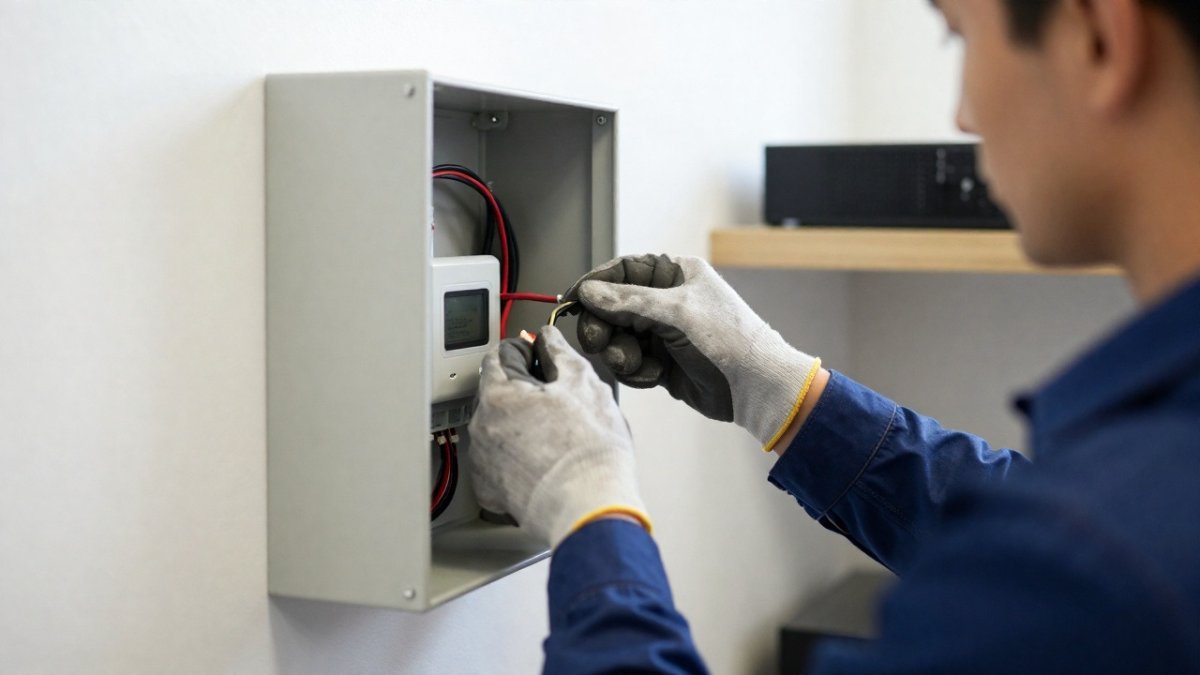
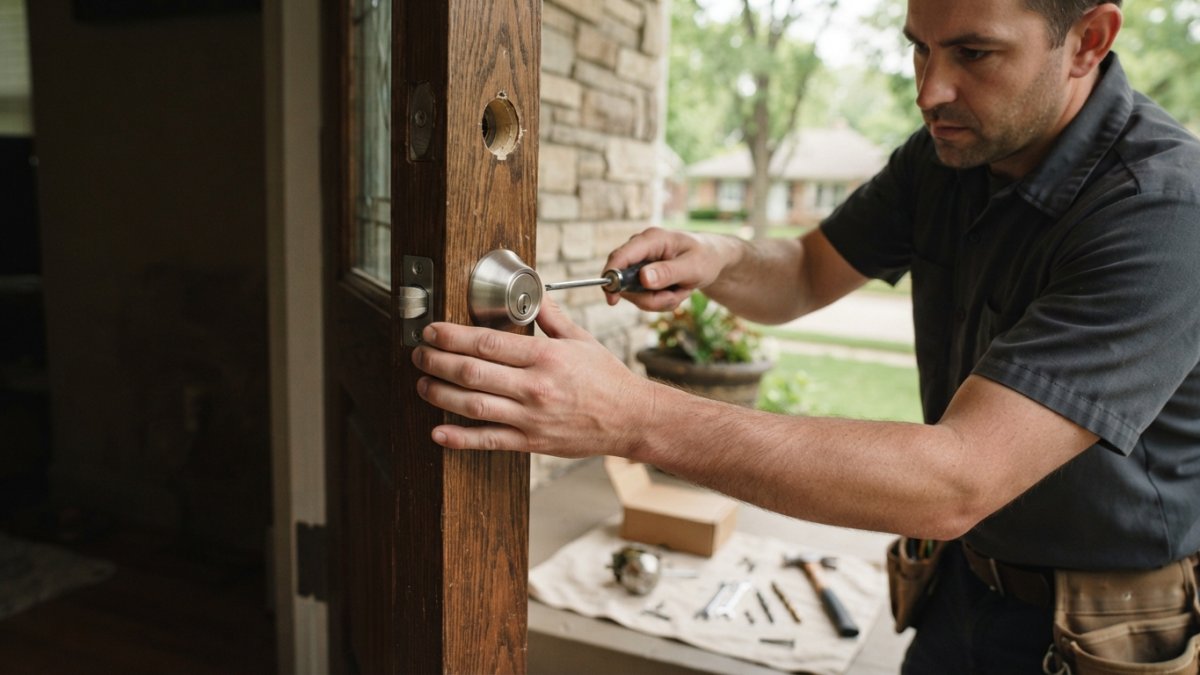
Door hardware to the panel. Pull each reader, strike, and door contact back to the panel enclosure on its own home run.
Power and backup. Electronic locks and readers draw from the panel's power supply or a dedicated supply. Calculate the load for all doors at once, including strike inrush, and size the supply with headroom.
Panel to the network. Connect the access panel to the PoE switch on the security VLAN. Give it a static IP address or a DHCP reservation so the VMS can always find it.
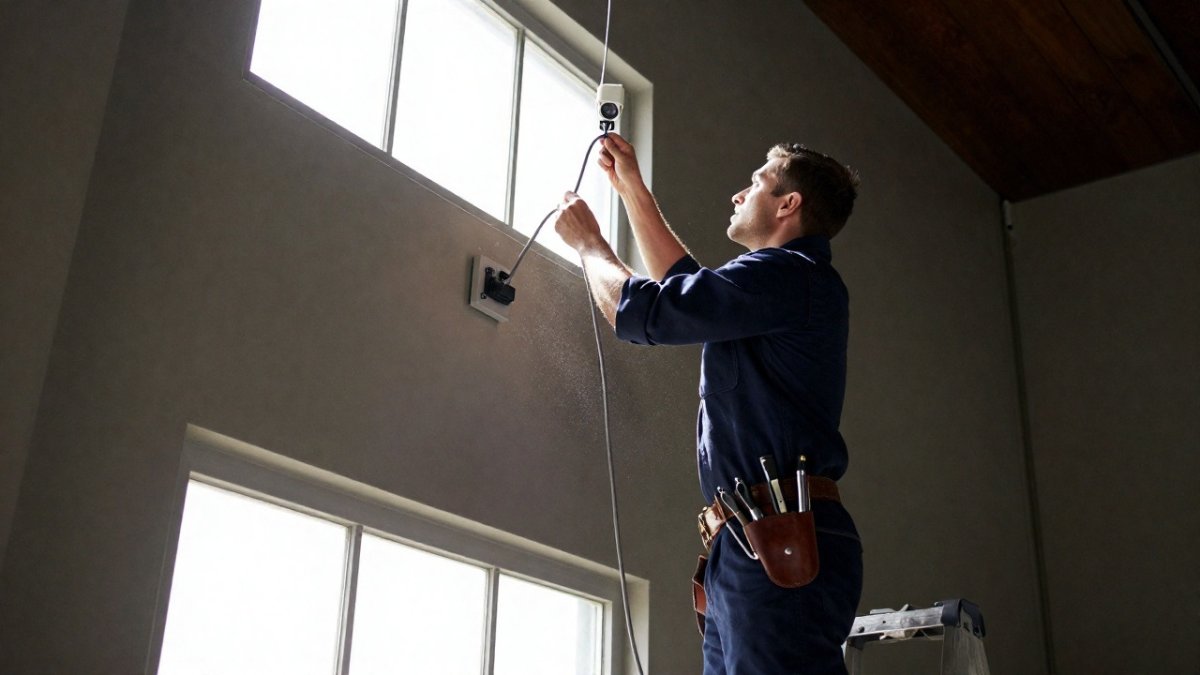
Cameras to the switch and NVR. Connect cameras to the same PoE switch on the security VLAN. Confirm the NVR sees every camera and records a test clip before you configure any event rules.
Mapping door events to cameras. The integration itself is a software step.
Time synchronization. Set every panel, camera, and NVR to the same time source, typically an NTP server.
Watch out: daisy-chaining cameras on one long cable run or sharing a single unmanaged switch with office traffic is the most common install shortcut, and it is the first thing to fail under load or during a firmware update.
For a deeper look at the door hardware side, our guide on commercial door hardware installation services covers readers, strikes, and closer matching.
Configuring Event-Triggered Recording and Alerts
This is where the system earns its keep. Event-triggered recording links a door access event to a camera action.
Configure these rules:
- Door forced open → record 30 seconds pre-event, 60 seconds post
- Badge denied three times → alert security and pull footage
- Door held open past threshold → local alarm plus camera clip
- After-hours entry → push alert to manager phone
Use camera presets on PTZ cameras to swing to the door on trigger. Set motion detection zones narrowly so passing traffic doesn't flood alerts.
Event correlation is the goal: one timeline showing door activity and video footage side by side. Test it before you trust it.
These are the event rules the article says to configure so door events trigger the right camera action.
| Trigger | Action |
|---|---|
| Door forced open | Record 30 seconds pre-event, 60 seconds post |
| Badge denied three times | Alert security and pull footage |
| Door held open past threshold | Local alarm plus camera clip |
| After-hours entry | Push alert to manager phone |
Testing, Troubleshooting, and Cybersecurity Safeguards
Test every rule you configured, on purpose, with a person at the door. A rule that works in the software but not at the door is worthless. This section turns the integration into something you can verify and defend.
Commissioning tests. Run each of these and record the result:
- Badge in during business hours, confirm the clip saves and appears on the same timeline as the door event
- Force a door open, confirm the alert fires and the correct camera records
- Hold a door open past the threshold, confirm the local alarm sounds and a clip is attached
- Trigger an after-hours entry, confirm the manager alert arrives on the phone within the expected window
- Pull a camera offline, confirm the system flags it rather than silently recording nothing
- Reboot the NVR and the panel, confirm both come back and the event mapping still works
Measurable success criteria. Agree on these before sign-off: event-to-video association works for every mapped door, alert delivery reaches the intended recipient, panel and camera clocks stay within a few seconds of each other, the system stays up through a power cycle, and a reviewer can retrieve a specific door event and its clip in under a minute.
Troubleshooting order. When something breaks, start with the network, not the software. Most integration failures trace back to a VLAN misconfiguration, a dead switch port, an expired certificate, or a firmware mismatch between the panel and the VMS. Check link lights and IP reachability first, then the event mapping, then the vendor integration logs.
Cybersecurity safeguards. An internet-facing access panel is a door someone else can open. Put security devices on a segmented VLAN behind a firewall with no direct internet exposure, and use a VPN for remote monitoring.
Privacy-aware placement. Point cameras at doors and lots, not at neighboring windows or public sidewalks beyond your property line. Post notice where required and align retention with your written policy.
For the safeguards side, the NIST Cybersecurity Framework is a solid reference, and the Security Industry Association publishes interoperability guidance worth reading before you buy.
Book a Site Walkthrough with Blackshirt Lock & Key
If you're planning an access control installation in Council Bluffs and want the wiring and integration done right the first time, we'll walk your site and map every door and camera position.
Our fully mobile team comes to you, fully insured, with straightforward pricing and no hidden fees. We handle commercial rekeys and lock changes on site. For Omaha businesses, see our commercial locksmith service in Omaha, NE. For Council Bluffs and western Iowa, our commercial locksmith service in Council Bluffs, IA has the contact details and coverage.
Property managers juggling multiple units can also review our locksmith services for property management.
For a broader look at how door events tie into camera footage and where the integration usually fails, the NIST cybersecurity framework is a solid reference for the safeguards side. And the Security Industry Association publishes interoperability guidance worth reading before you buy.
Blackshirt Lock & Key brings fully mobile service to your Omaha or Council Bluffs location, with no shop-based wait times. We install commercial-grade locks, handle rekeys and tenant turnover, and back the work with honest, upfront pricing. Call Blackshirt Lock & Key to discuss your locking needs.
Frequently Asked Questions
How do access control systems connect door events to security camera footage?
The access control panel sends a signal to the video management software (VMS) or network video recorder (NVR) each time a door opens, a credential is used, or an alarm triggers. The VMS then tags the matching camera feed with that event, so you can pull up recorded video for a specific door activity instead of scrubbing through hours of footage. This event correlation is what makes incident investigation fast and gives you a reliable audit trail.
What equipment is needed to integrate access control with security cameras?
You need an access control panel, door readers, electronic locks, IP cameras covering each entry point, a network video recorder or VMS, and a network switch with sufficient bandwidth. Compatibility matters more than brand: confirm the panel and the VMS support the same integration protocol, such as ONVIF for cameras or an open API for the access control system. A locksmith or integrator can verify this before any access control installation begins.
Can access control and security cameras use the same software?
Often yes, but only when both systems support a shared integration. Many VMS platforms accept door events from access control panels and display them alongside camera feeds in a unified interface. If your existing panel is closed to third-party software, you may need a middleware layer or a panel upgrade. Check the manufacturer's integration list before buying, and test event correlation in a pilot before rolling it out across every entry point.
How should I position cameras to capture access control events?
Mount each camera so it sees both the door reader and the person using it, ideally at face height and slightly angled. Avoid pointing cameras directly at bright exterior light or at the reader itself, which can wash out faces. Set camera presets on PTZ cameras to snap to each door on an event trigger. Good camera coverage of every entry point is what turns a door activity log into usable video verification.